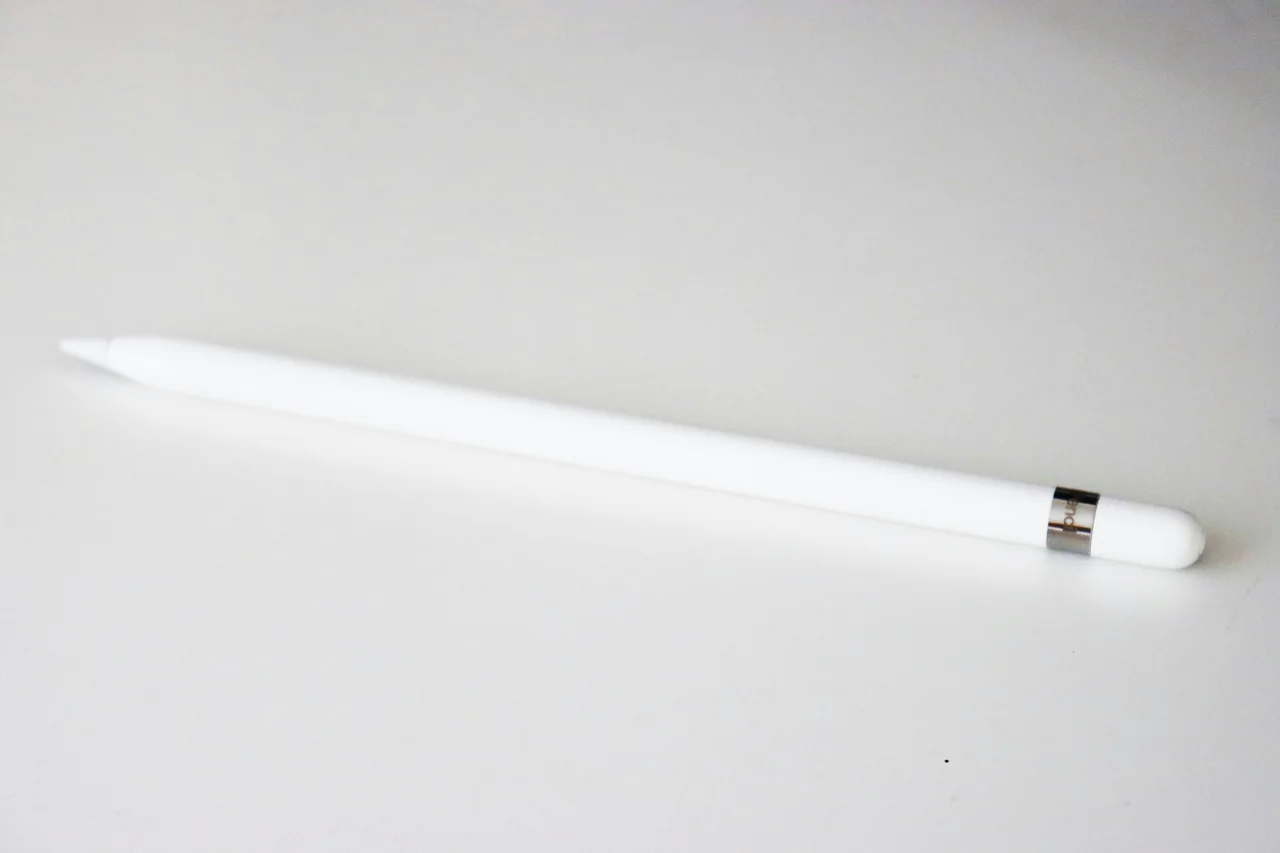
Press harder with an active stylus and the line on the screen gets thicker. Press harder with a passive stylus and the line stays the same width. Both pens touch the same glass, so the difference lies in what each one tells the screen. On a capacitive touchscreen, a common passive stylus disturbs the screen’s electric field much as a finger does, so the screen reads it as a touch. An active stylus has a battery and sends its own signal, which can carry pressure, tilt and hover, but it generally needs a device built to receive that pen’s signal.
Case A: the passive stylus is read as a finger
The common passive type is the capacitance stylus, which a 2024 review from Kwangwoon University in South Korea says works like a finger touch. It changes capacitance where it meets the screen’s electrodes, and the controller measures the change. The tip touches far less area than a finger, so the signal is weaker. That lowers the signal-to-noise ratio, meaning how far the signal stands above background electrical noise, and it lowers touch accuracy. The same review says this type cannot report pressure or tilt.
Two touch-hardware engineers put numbers on the gap. N-trig, a pen maker, wrote in a 2014 article in Information Display that a finger lowers the capacitance at a touch-sensor node by 10 to 30 percent, while a passive tip 1 to 2 mm wide lowers it by only 1 to 3 percent. Cypress Semiconductor, a touch-controller maker, estimated in a 2013 article that signal scales with the area covered, so a 2 mm tip gives 25 times less signal than a typical 10 mm touch.
| Source | Large touch | Small passive tip | Gap |
|---|---|---|---|
| N-trig, 2014: drop in node capacitance | 10 to 30 percent | 1 to 3 percent | 10 times (10 ÷ 1 and 30 ÷ 3) |
| Cypress, 2013: signal by covered area | 10 mm touch | 2 mm tip | 25 times ((10 ÷ 2) × (10 ÷ 2)) |
The two companies measure different things, so the gaps differ, and both are one company’s own figures. Cypress adds that with no communication between pen and screen, a passive stylus is hard to tell apart from a finger. Software sees the same limit. The W3C’s Pointer Events specification, in its December 2014 Proposed Recommendation, says hardware without pressure support must report a fixed pressure of 0.5 while in contact.
Case B: the active stylus announces itself
The Korean review describes an active stylus as a pen with its own chips, a force gauge for pressure, a gyro sensor for tilt and a rechargeable battery. It sends an excitation signal through a thin tip, and it must stay synchronised with the touch controller so the screen can tell pen signals from finger signals. N-trig’s article adds that the pen drives modulated signals onto both the horizontal and vertical electrodes, that these signals do not get confused with touch sensing, and that they can carry pressure and button state and be captured while the pen hovers above the glass.
Software then treats the pen as its own kind of input. The W3C specification gives pen input a separate pointer type, events for the pen entering and leaving hover range, and a separate state for the eraser button.
Palm rejection also gets easier. In the Korean review, an active pen can send an extra signal through the hand so the controller recognises the palm and ignores it, while a passive stylus’s weak signal can be buried by palm noise. Wacom, a pen maker, says in a support page for its Bamboo Fineline pen that palm rejection also needs support from the app, and that without it a palm leaves stray marks.
The price is complexity. The review lists higher production cost, a thicker and heavier pen and battery power use.
The word passive covers more than finger-like pens
The Korean review sorts styluses by whether they carry a battery. By that rule, passive includes two types besides the finger-like one, and some of them report pressure.
| Type | Battery | Extra sensor layer | Pressure | Tilt | Signal quality |
|---|---|---|---|---|---|
| C-type passive | No | No | No | No | Low |
| EMR passive | No | Yes | Yes | Yes | High |
| ECR passive | No | No | Yes | No | Middle |
| C-type active | Yes | No | Yes | Yes | High |
The electromagnetic resonance (EMR) type needs a magnetic-coil layer added to the display, which raises cost, panel thickness and power use. A pen with no battery can therefore still report pressure and tilt, and the useful question is which sensor the screen contains.
Where each one comes out ahead
For cost and simplicity, the C-type passive stylus comes out ahead: it needs no extra circuitry, no extra panel and no power. For signal strength with a fine tip, and for pressure, tilt and hover, the C-type active stylus comes out ahead in the same review.
Compatibility depends on the sensor in the device. N-trig points out that the sensor and controller are built into the device, so a buyer is tied to that device’s pen technology, while a passive stylus works through the capacitive sensor that already reads fingers. N-trig also says pen performance depends on the sensor’s size, position and design and on the controller and firmware, as well as on the pen, so a pen should be judged on the whole device.
Next time you try a pen, draw one light line and one firm line in a drawing app. Equal widths mean the pen is arriving as a finger-like touch with fixed pressure data. Different widths mean pressure data is arriving. Hold the tip just above the glass: an app that reacts before contact, such as a cursor following the pen, is receiving hover data. Rest your palm on the screen while you write, and stray marks mean palm rejection is missing in the device or the app.
Short answers
Sources
Lee, H.-M. and Ko, S.-H.. Advancements in Capacitive Touch System and Stylus Technologies (opens in a new tab), koreascience.kr, .
Supports the four stylus types and their battery, sensor layer, pressure, tilt and signal quality, the weaker passive signal, the active stylus components and the palm rejection methods.
Haran, O.. Technologies and Requirements for Digital Pens (opens in a new tab), archive.informationdisplay.org, .
Supports the capacitance drops of 10 to 30 percent and 1 to 3 percent, how active pens drive signals, device-bound pen technology, other pen technologies and the whole-device performance point.
Severson, T. and Wilson, C.. Passive stylus design for large capacitive touchscreens (opens in a new tab), eenewseurope.com, .
Supports the 25 times lower signal estimate for a 2 mm tip, the difficulty of telling a passive stylus from a finger and the dead zone inside a sensor element.
Rossi, J. and Brubeck, M.. Pointer Events (opens in a new tab), w3.org, .
Supports the fixed 0.5 pressure value for hardware without pressure support, the separate pen pointer type, hover range events and the eraser button state.
Wacom. What is palm rejection and how does it work with the Bamboo Fineline? How do I enable it? (opens in a new tab), support.wacom.com.
Supports palm rejection preventing stray marks and needing app support, for this manufacturer's pen.
Universal Stylus Initiative. The Universal Stylus Initiative Releases Version 2.0 Of Its Popular Active Stylus Specification (opens in a new tab), businesswire.com, .
Supports USI being an open standard under which a stylus can work across USI-enabled devices from different manufacturers.